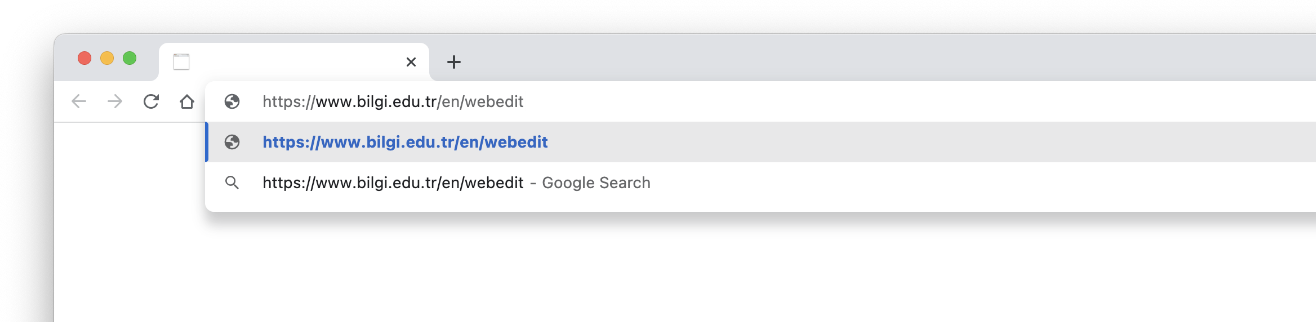
LOGIN AND PASSWORD PROCEDURES
1. LOGIN TO THE PANEL
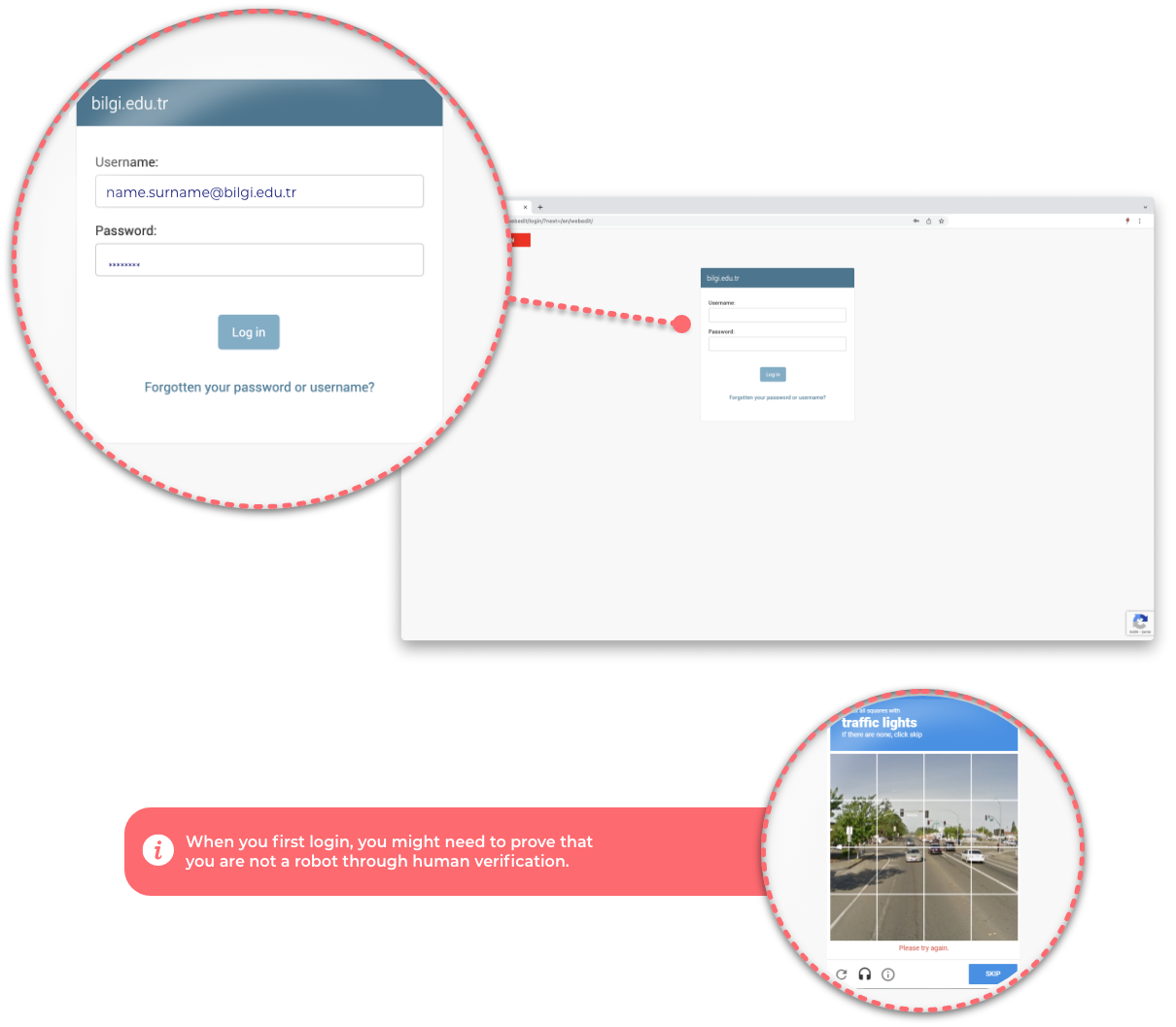
Login to the panel.
2. SETTING OR RENEWING PASSWORD
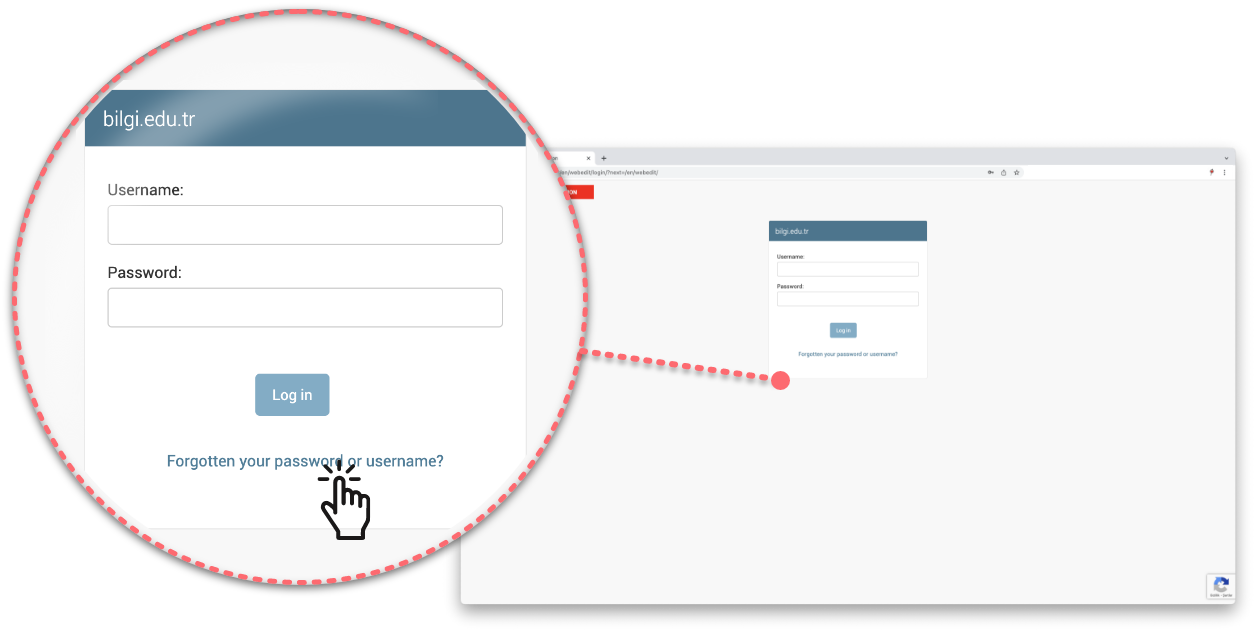
Click on ‘Did you forget your password or username?’
In order to recover your password, enter your e-mail address with bilgi.edu.tr extension and click on ‘Reset my Password.’If you think that the email address on your current page is incorrect, you can report this issue by sending an email to webtalep@bilgi.edu.tr .
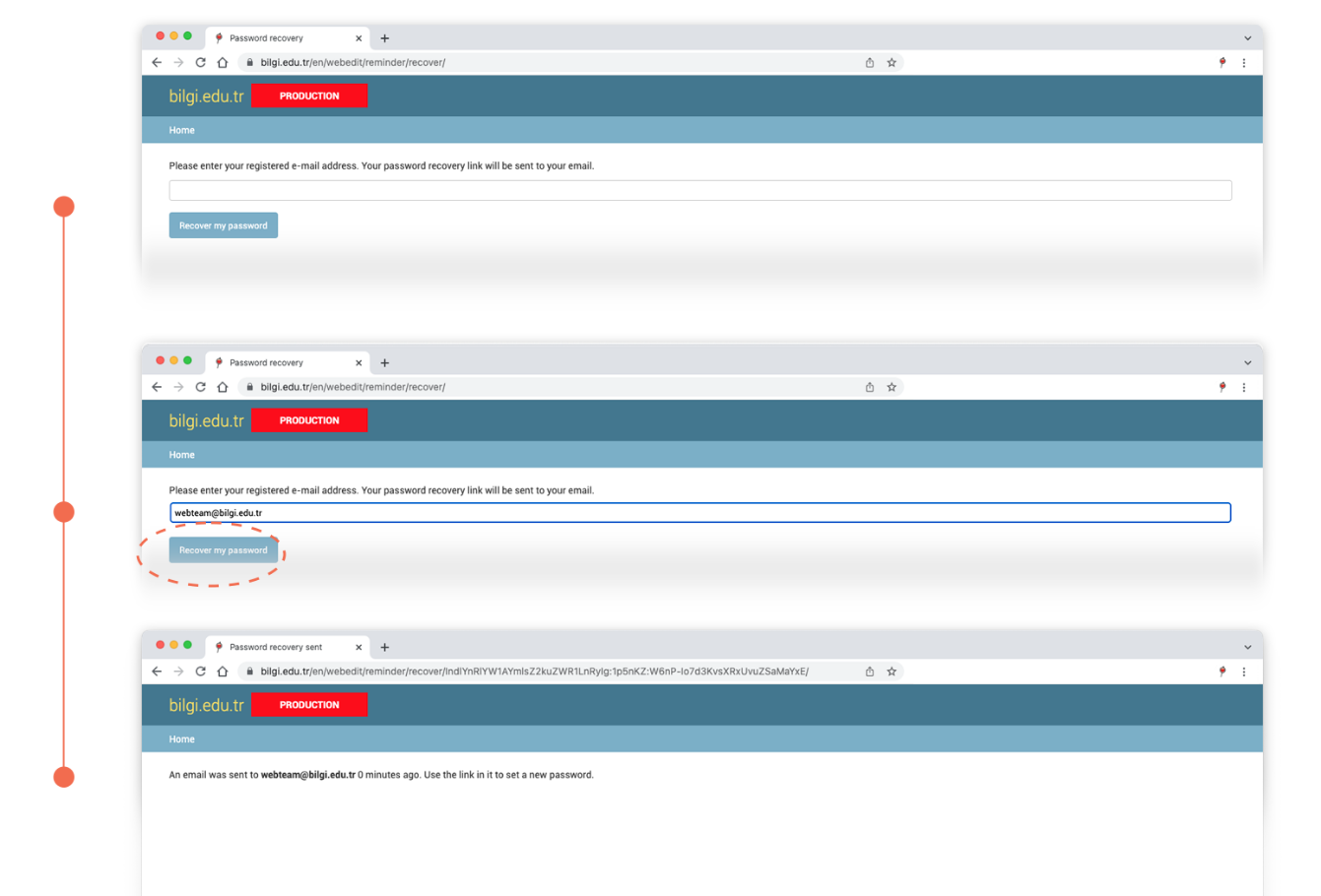
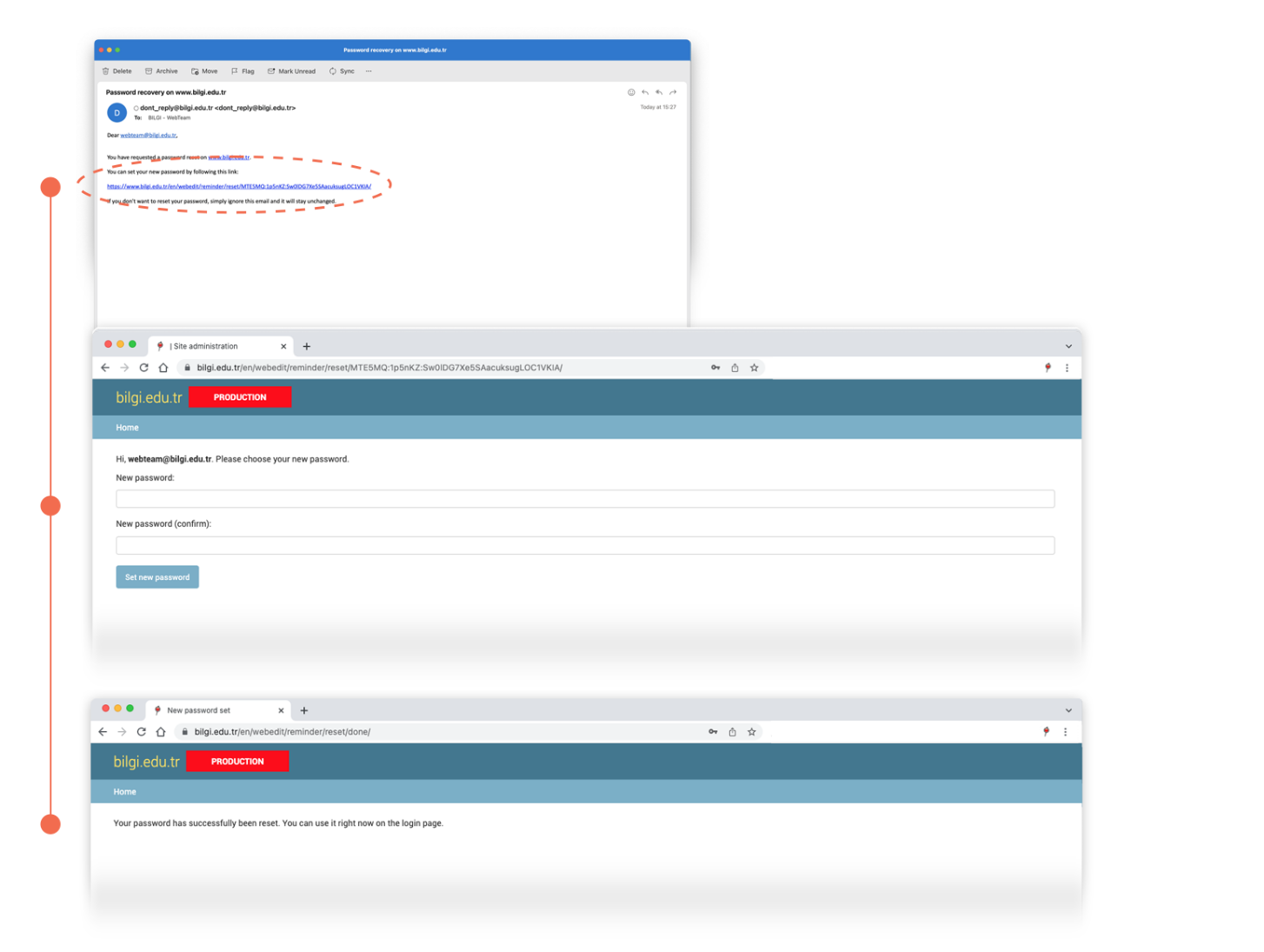
By clicking on the link that is sent to your registered e-mail address, you can set your new password.
3. LOGGING IN
You can now log in by entering your user information.
When you first login, you might need to prove that you are not a robot through human verification.